Create a basic discount bonus program
This example shows how to create a basic discount bonus program and verify that it is applied in a sales order.
Steps
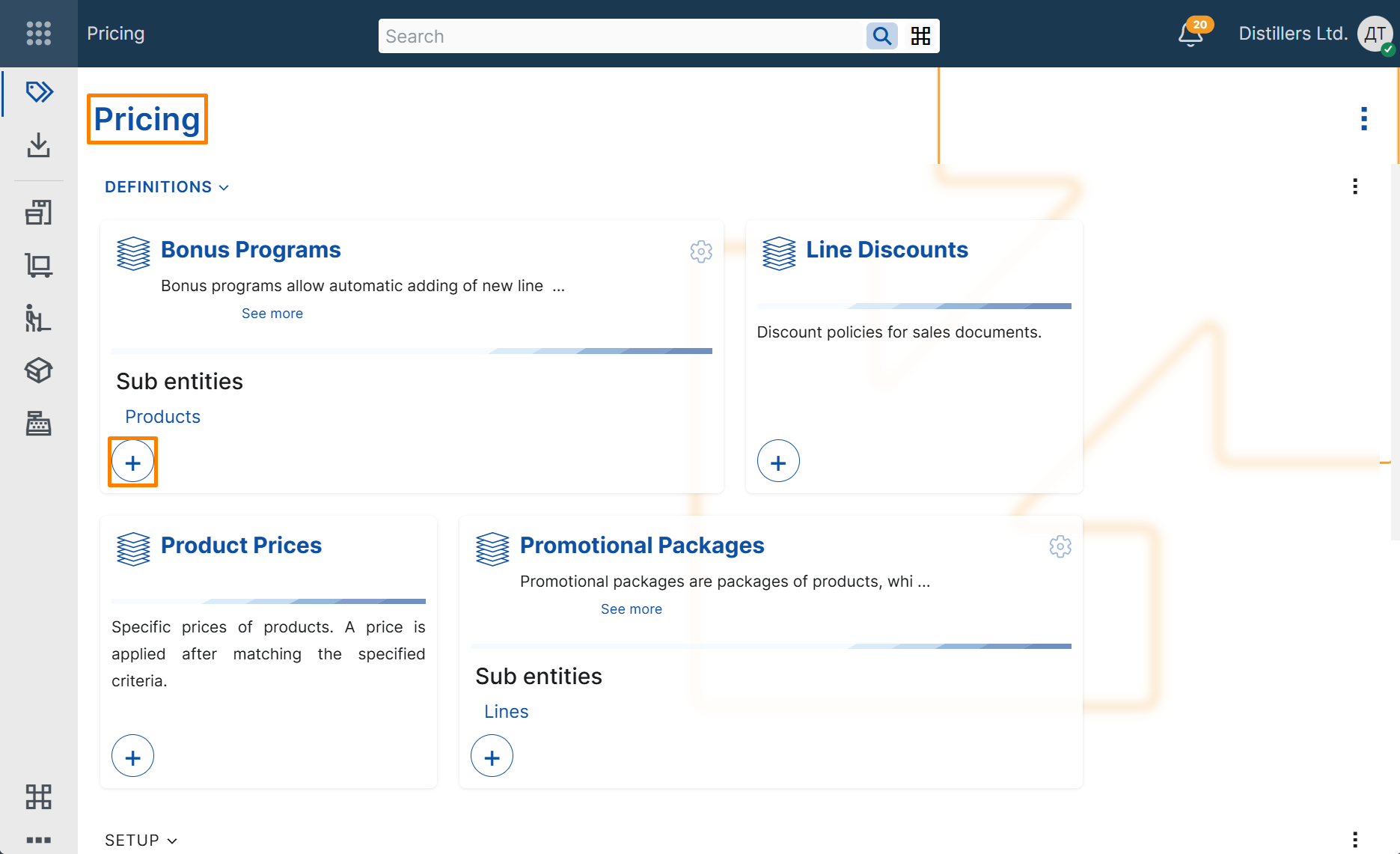
- Open the Pricing module.
- In the Bonus Programs tile, select + button.
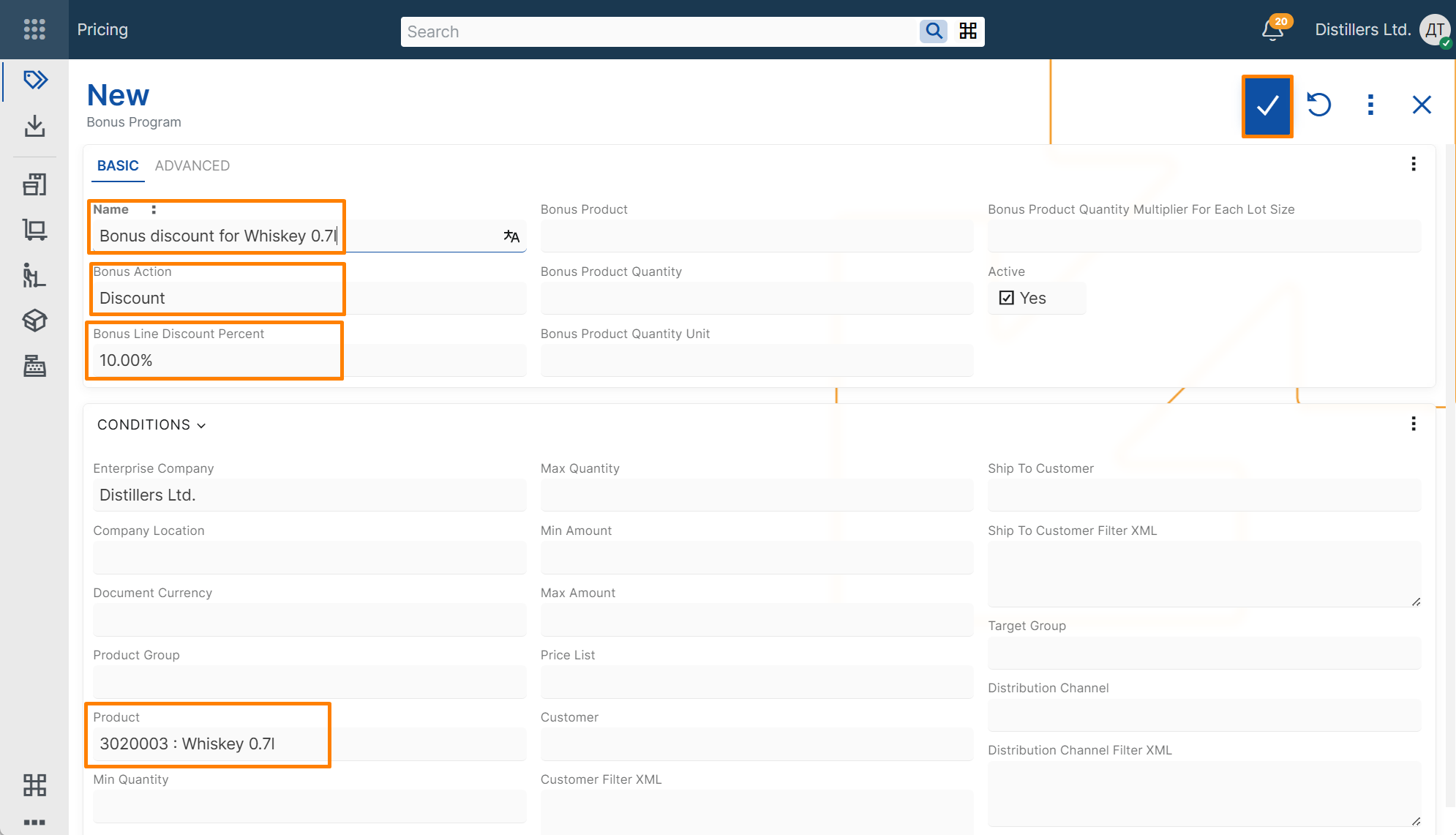
- In the new bonus program record, enter the following:
- Name – text that identifies the bonus program
- Bonus Action – select Discount to create a discount bonus program
- Bonus Line Discount Percent - the discount percentage to apply
- Product – the product that activates the bonus
- Save the record.
Note
Enterprise Company is filled in automatically with the current enterprise company.
Verify the result
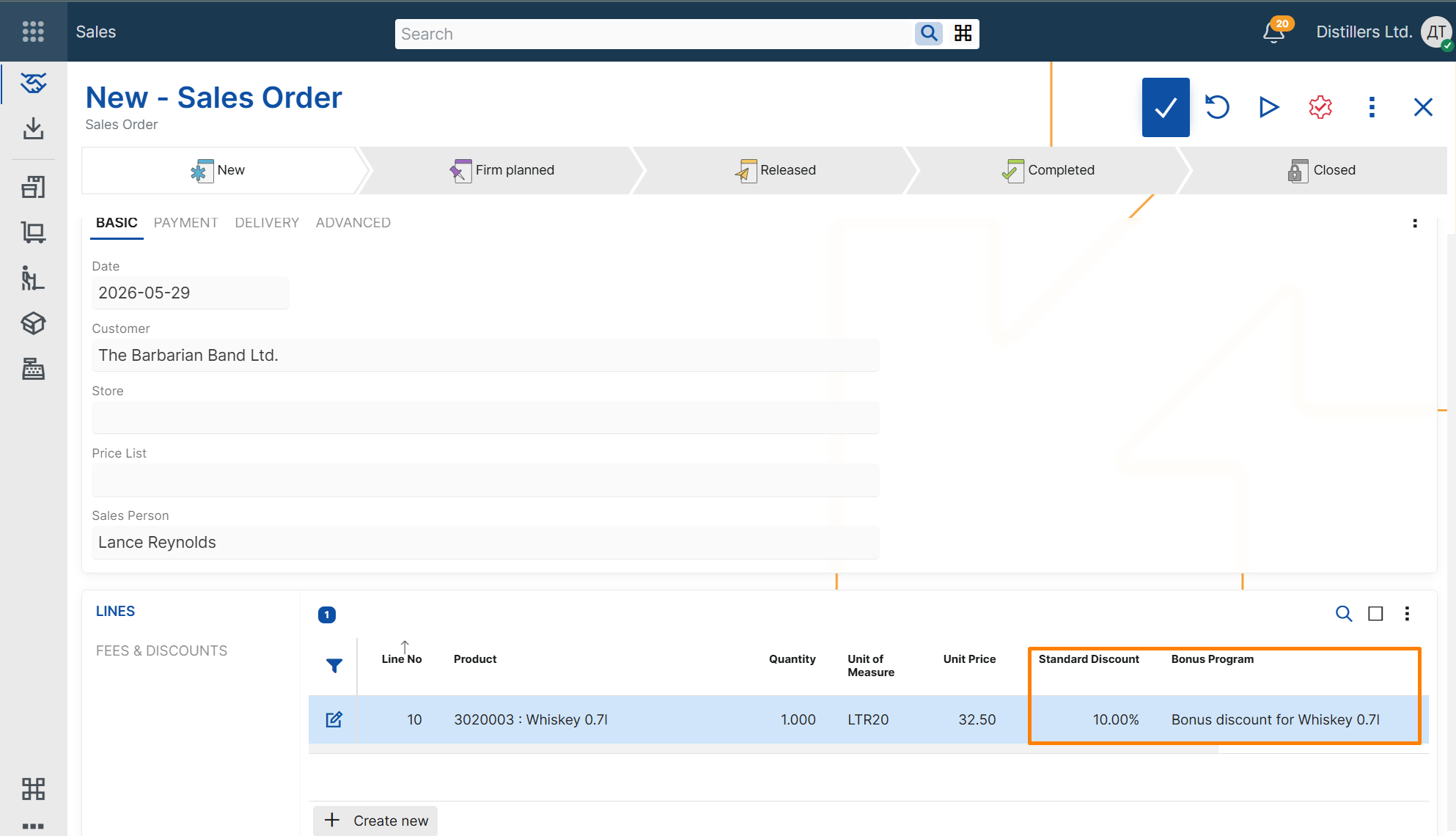
- Create a new Sales Order.
- Select a customer.
- Add a line for the same product.
- Review the sales order lines and verify that an additional line is added for the bonus product.
- Review the values in the Bonus program and Line Standard Discount Percent fields.
The Bonus Program should contain a reference to the bonus program that was just created.
The Line Standard Discount Percent field should contain the discount percent from the selected bonus program.